
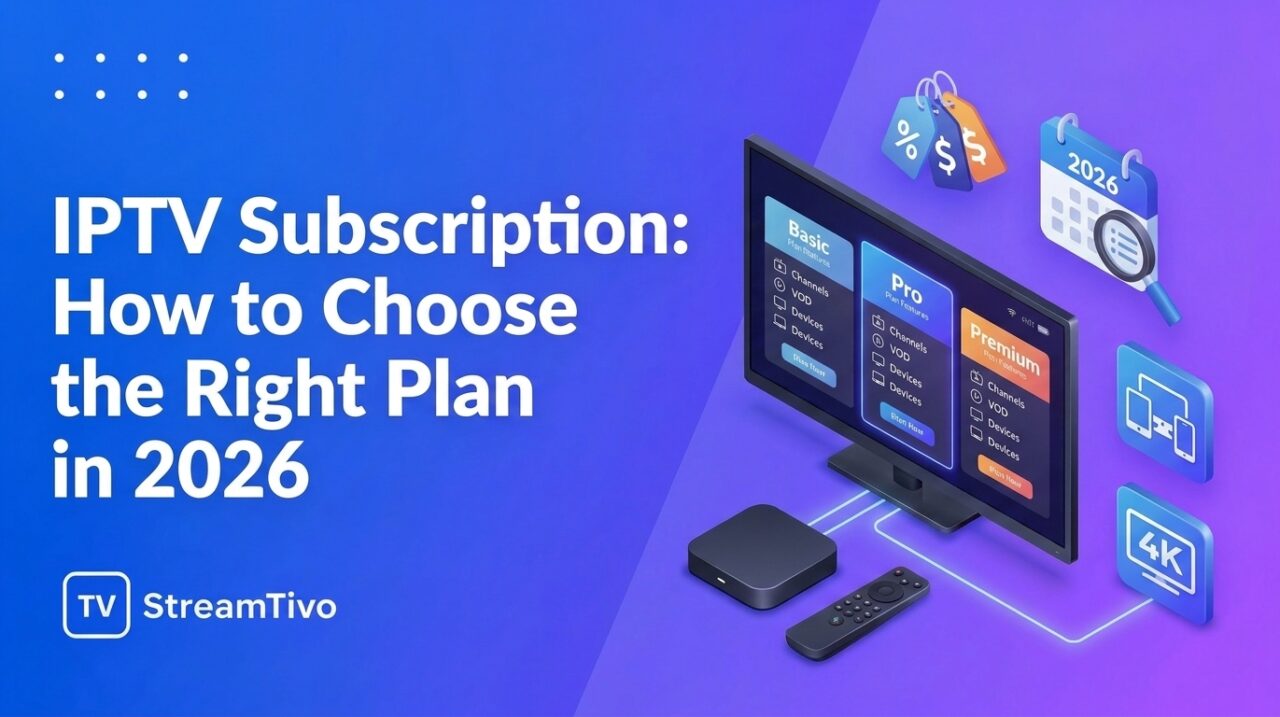
Choosing the right IPTV subscription can make a big difference to your television streaming experience. With different providers, subscription durations, compatible devices, and content options available, it is important to understand what you are paying for before selecting a plan.
Whether you want to watch live television, explore on-demand entertainment, or stream content on your favorite device, comparing your options can help you make a more informed decision.
In this guide, we explain how IPTV subscriptions work, what to look for when comparing plans, which devices may be supported, and how to choose a service that suits your needs in the United States.

What Is an IPTV Subscription?
An IPTV subscription provides access to television content delivered over an internet connection. Depending on the provider, a subscription may include live television channels, on-demand movies and series, or other streaming features.
Unlike traditional cable television, IPTV delivers content through internet-based networks. Depending on the service, you may be able to watch using a compatible Smart TV, streaming device, smartphone, tablet, or computer.
However, not every IPTV subscription offers the same channels, features, or device compatibility. Reviewing the details of each plan is essential before making a purchase.
What Is Included in an IPTV Subscription?
The features included in an IPTV subscription depend on the provider and the plan you choose. Common features may include the following.
Live TV Channels
Some subscriptions provide access to live television covering news, entertainment, documentaries, and other programming. Always review the actual channel list to confirm which channels are available in your region.
Movies and TV Series
Certain IPTV services offer on-demand libraries containing movies and television series. Before subscribing, check the available titles, language options, subtitles, and content restrictions.
Multiple Compatible Devices
Some services support a range of devices, including Amazon Fire TV, Android TV, selected Smart TVs, smartphones, tablets, and computers. Compatibility varies by provider and application.
Customer Support
Reliable customer support can be helpful when activating a subscription, configuring an application, or resolving playback problems. Look for clear contact information and accessible troubleshooting instructions.
Flexible Subscription Durations
Providers may offer different subscription durations, such as monthly, quarterly, six-month, or annual plans. The available options and renewal conditions depend on the provider.
How to Choose the Best IPTV Subscription
Finding an IPTV subscription that meets your needs involves more than looking at the lowest advertised price. Consider these important factors before deciding.
1. Check Channel Availability
Start by identifying the channels and programs you actually want to watch. If you are in the United States, check whether the provider offers the specific programming you need and whether it is authorized to distribute that content.
Do not assume that every provider includes the same sports, entertainment, or news channels.
2. Compare Subscription Prices
Compare the total price of each plan rather than focusing only on its advertised monthly equivalent. Review activation fees, renewal conditions, payment options, and refund policies.
A longer subscription may have a lower effective monthly price, but paying for a longer period also means committing more money upfront.
3. Verify Device Compatibility
Before purchasing an IPTV subscription, confirm that the service works with your preferred device.
Amazon Firestick: Check the installation instructions and supported applications for your Fire TV model.
Android TV: Confirm
Start Your IPTV Setup with StreamTivo
Ready to explore IPTV? StreamTivo can help you understand your available setup options and choose an approach that fits your device.
If you are interested in trying the service before choosing a subscription, check whether a free IPTV trial is available.
Choose your device, follow the setup steps, and test your connection before settling in to watch. If you need assistance, contact the provider for help with compatible devices and connection details.